

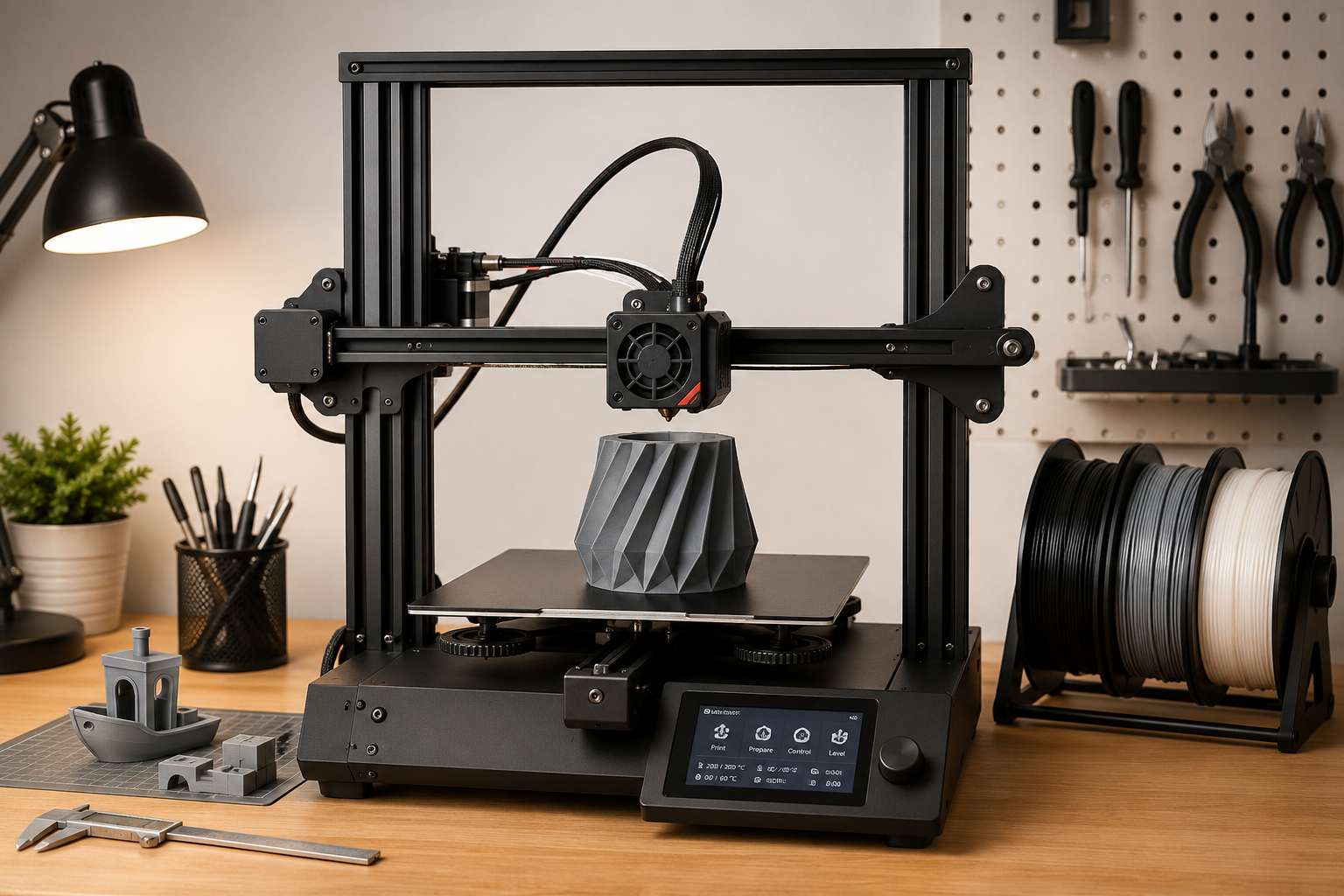

D printing is a great way to create custom PC case parts, open-frame chassis, brackets, test benches, and unique computer builds. It gives DIY users more freedom than traditional products and makes small-scale custom design much easier.
However, 3D printing is not the same as buying a finished computer case. Before printing and assembling a case, there are several important things you should pay attention to.
1. Choose the Right Material
Material choice is very important for 3D printed PC parts.
PLA is easy to print and suitable for simple prototypes, but it is not the best choice for parts exposed to heat. PC components such as GPUs, CPUs, power supplies, and VRMs can generate high temperatures, so PLA may soften or deform over time.
PETG, ABS, ASA, nylon, or carbon-fiber-filled materials are often better choices for functional parts. They usually provide better heat resistance and strength, but they may require a more capable printer and better printing conditions.
For PC case parts, choose a material based on strength, heat resistance, and long-term stability.
2. Pay Attention to Heat
Computer hardware can produce a lot of heat, especially gaming GPUs, high-performance CPUs, and power supplies.
When designing or printing a PC case, make sure there is enough airflow around hot components. Avoid placing plastic parts too close to heatsinks, exhaust areas, or power supply vents.
If the case is open-frame, airflow is usually better. But if the design has enclosed sections, fan placement and ventilation become very important.
3. Check Hardware Compatibility
Before printing, always check the size and mounting position of your hardware.
Important parts to confirm include:
- Motherboard size
- GPU length, thickness, and height
- CPU cooler height
- Power supply size
- Fan size and screw hole spacing
- Storage drive position
- Cable routing space
Even small measurement differences can cause installation problems. Always compare the design file with your actual hardware dimensions before printing.
4. Understand Printing Accuracy
3D printers are not perfectly accurate. A hole designed as 3 mm may print slightly smaller or larger depending on the printer, material, nozzle size, and slicer settings.
For screw holes, mounting points, and press-fit parts, it is important to leave proper tolerance. If the fit is too tight, parts may crack. If it is too loose, the structure may not be stable.
Test printing small parts before printing the full case is highly recommended.
5. Use the Correct Print Orientation
Print orientation affects strength.
3D printed parts are usually weaker between layers. If a part needs to carry weight or resist bending, the orientation should be chosen carefully.
For example, motherboard trays, GPU brackets, PSU mounts, and structural frames should be printed in a way that improves load-bearing strength. A beautiful print orientation is not always the strongest one.
6. Consider Infill and Wall Thickness
For functional PC case parts, low infill and thin walls may not be strong enough.
Use enough wall thickness, top and bottom layers, and infill percentage based on the part’s purpose. Structural parts should be stronger than decorative panels.
For brackets, supports, and load-bearing parts, thicker walls are often more important than very high infill.
7. Be Careful with Screws and Threads
Plastic parts can be damaged if screws are over-tightened.
For better durability, you can use heat-set inserts, threaded inserts, or metal nuts instead of threading screws directly into plastic. This is especially useful for parts that may be assembled and disassembled many times.
Do not force screws into small holes. If necessary, drill or clean the holes after printing.
8. Keep the Case Away from Water and Pets
Open-frame or 3D printed PC cases expose more hardware than traditional enclosed cases.
Keep the system away from water, liquids, dust-heavy environments, and pets. Cats can be especially risky because they may touch fans, cables, power buttons, or exposed components.
A 3D printed open-frame case can look great, but it should still be used carefully.
9. Post-Processing May Be Needed
After printing, some parts may need sanding, trimming, drilling, or cleaning before assembly.
Support marks, rough edges, and small printing defects can affect installation. Always inspect parts before mounting expensive hardware.
For a cleaner look, printed parts can also be painted or surface-finished, but make sure the finish does not affect screw holes or tight assembly areas.
10. Remember That 3D Design Files Are Not Finished Products
When you buy 3D design files, you are buying digital files, not a physical product.
The final result depends on your printer, material, slicer settings, printing quality, hardware selection, and assembly process. Different users may get different results from the same file.
Before printing, read the product description carefully and confirm whether the design fits your needs.
Conclusion
3D printing PC case parts is a fun and flexible way to build a custom computer. It is especially suitable for open-frame cases, test benches, brackets, and unique DIY projects.
However, users should pay attention to material selection, heat resistance, hardware compatibility, printing accuracy, part strength, and assembly safety.
A good 3D printed PC case is not only about appearance. It also needs proper airflow, strong structure, accurate dimensions, and safe use around electronic components.